
Click the following link to go to the account creation page.
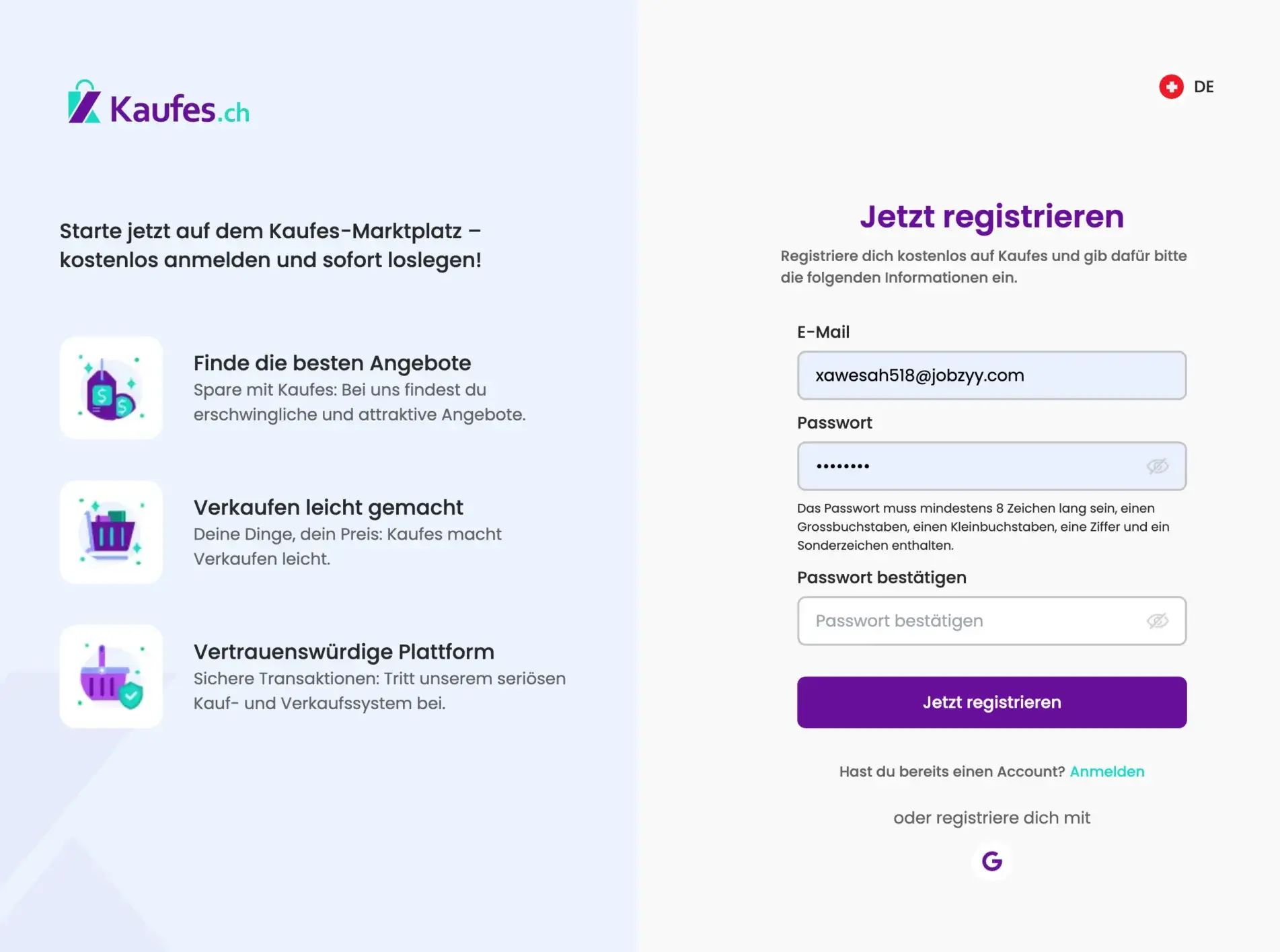
Please enter the required information.
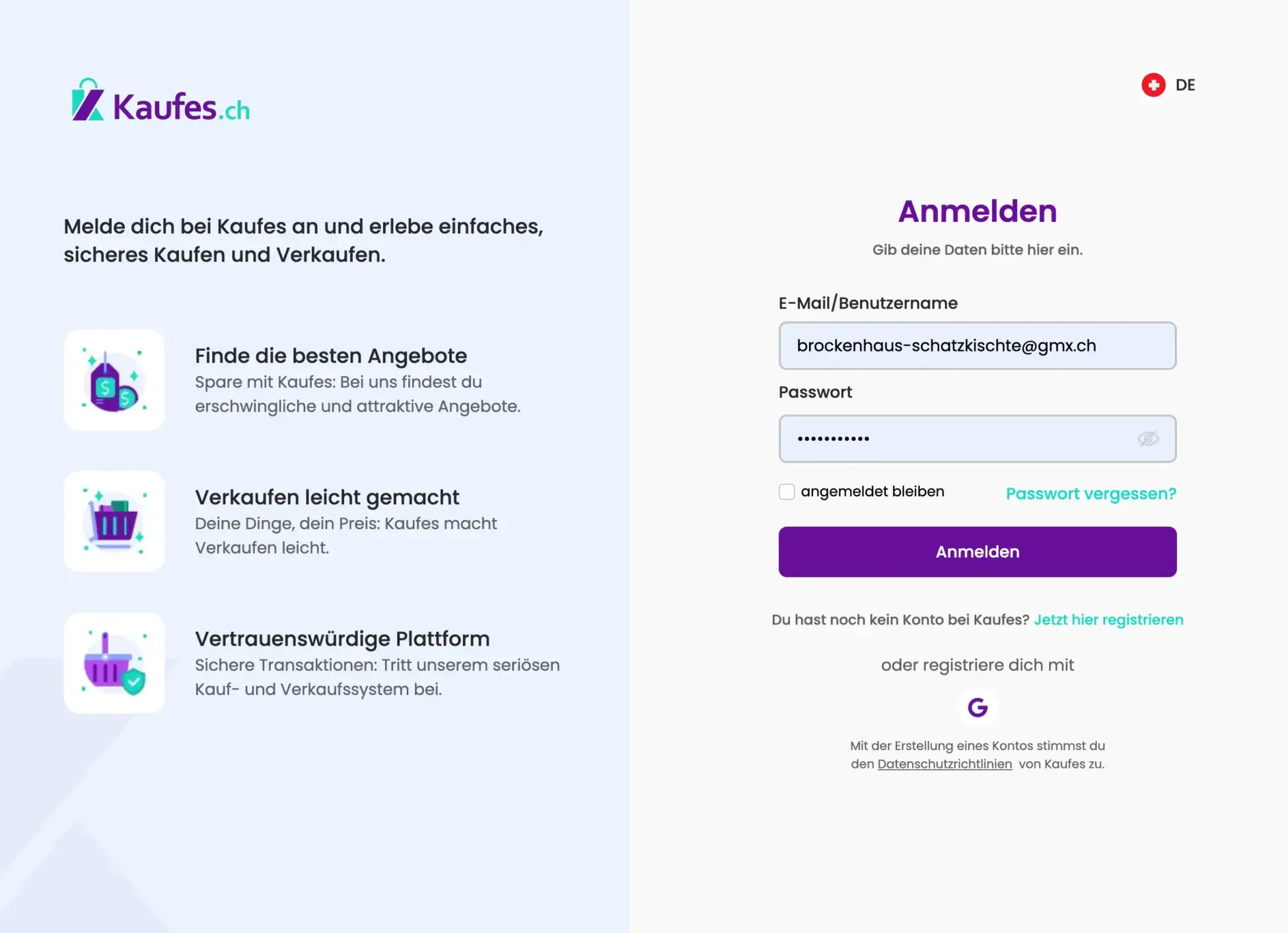
Email:
Enter your current email address. After that, you will receive an email with a confirmation code.
Password:
To ensure your password is secure, it must contain at least one uppercase letter, one number, and one special character.
Sign Up:
Click the “Sign Up Now” button after creating your password.
Confirm email address:
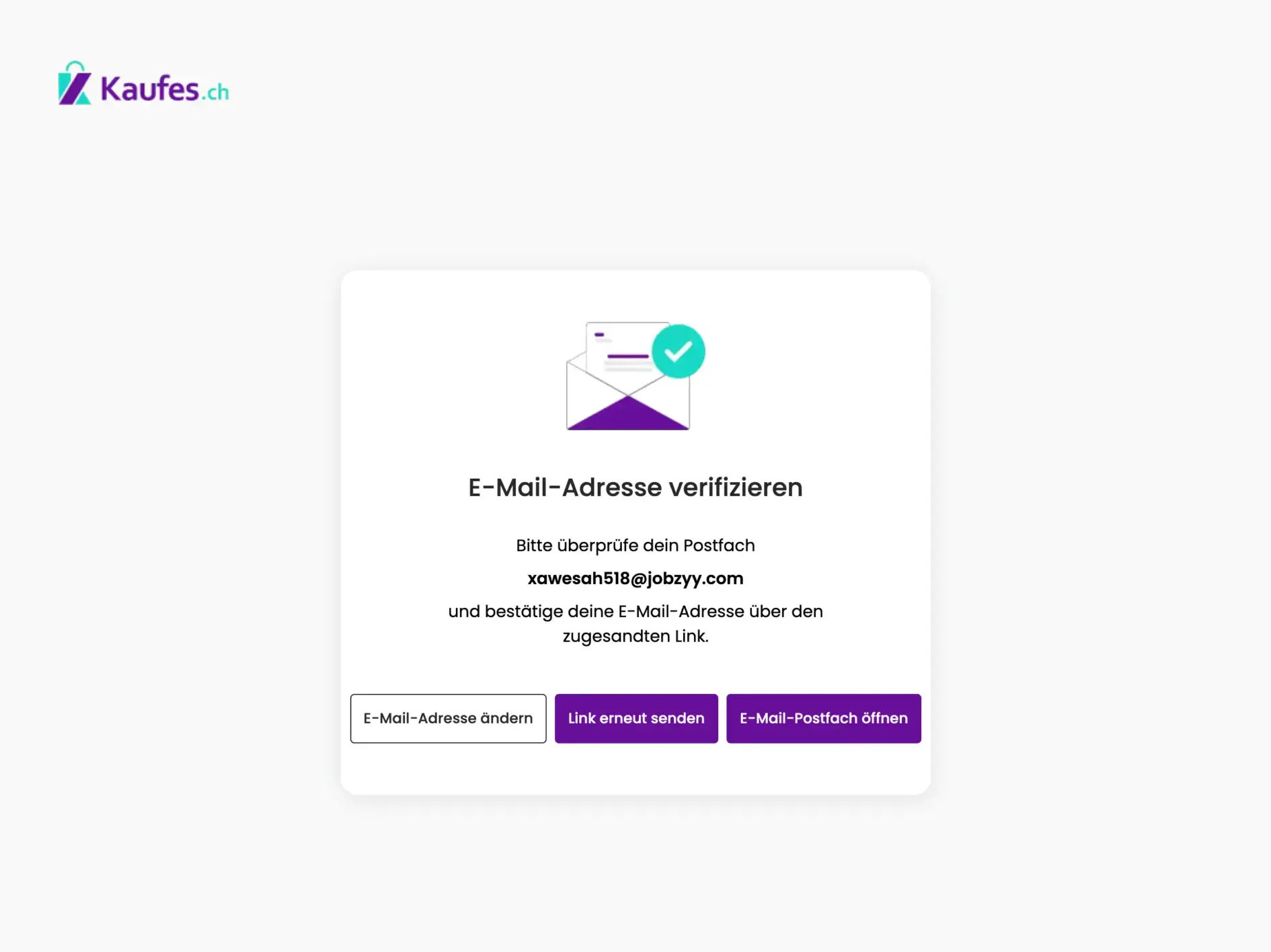
Please check your email inbox (and spam folder, if necessary) and click the confirmation link to activate your account.
Personal information:

Fill in the fields and then click “Next” to continue.
Login and contact details:

Enter all the required information here as well, then click “Next.”
Address details:

Enter your address, select your location, and then click “Save Details.”
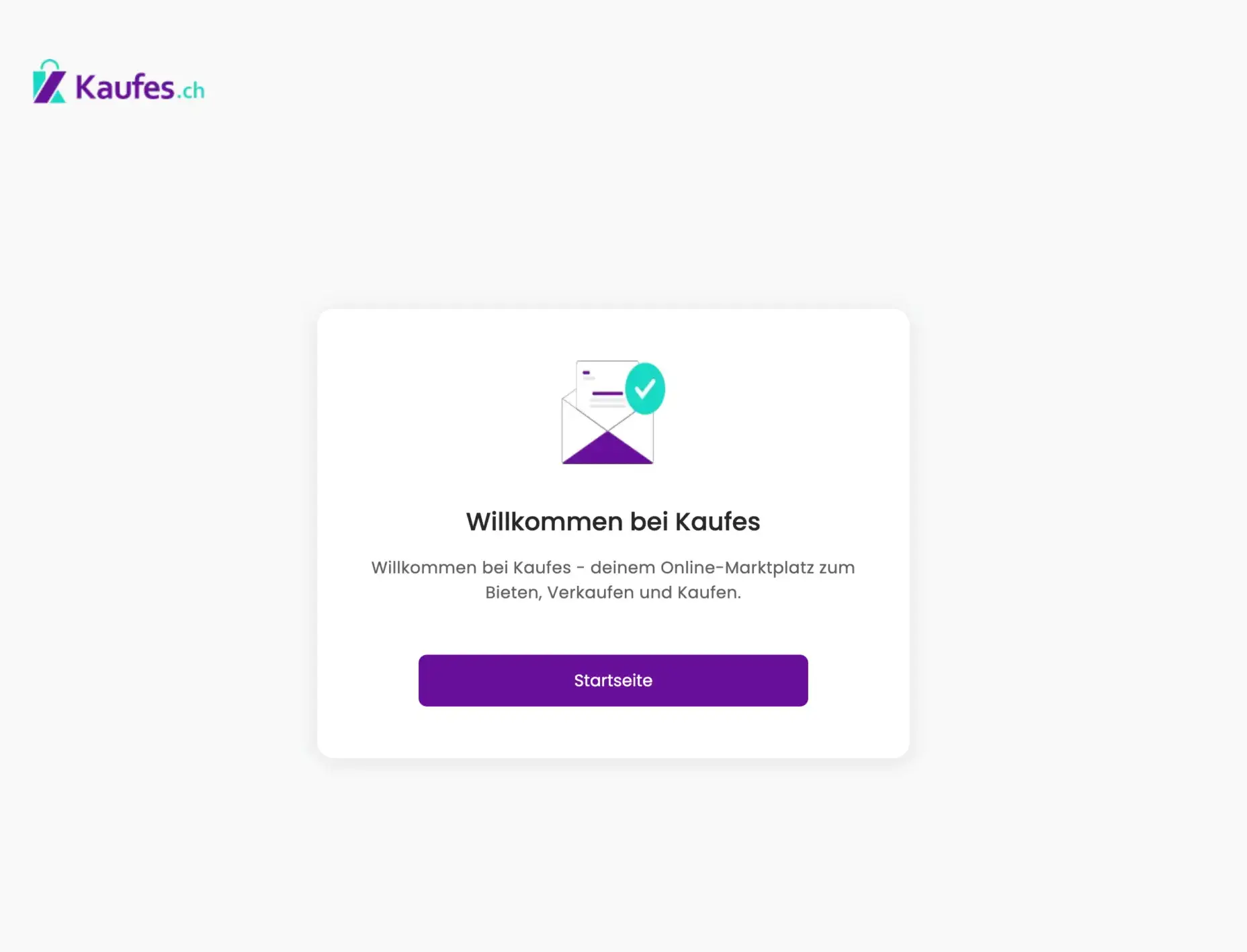
After saving your information, you will receive a confirmation message indicating that your registration was completed successfully.
Edit account details:
After you save your information, you will receive a confirmation message indicating that your registration has been successfully completed.