
Account Login
Go to the login page and enter your email address and password to sign in to your Kaufes account.
Open Your Account Settings

Click on your profile name in the top right corner to open the menu.
Select “Account Settings” and then “Manage Payments.”
Add Payment Account details
To add your account details, follow these steps
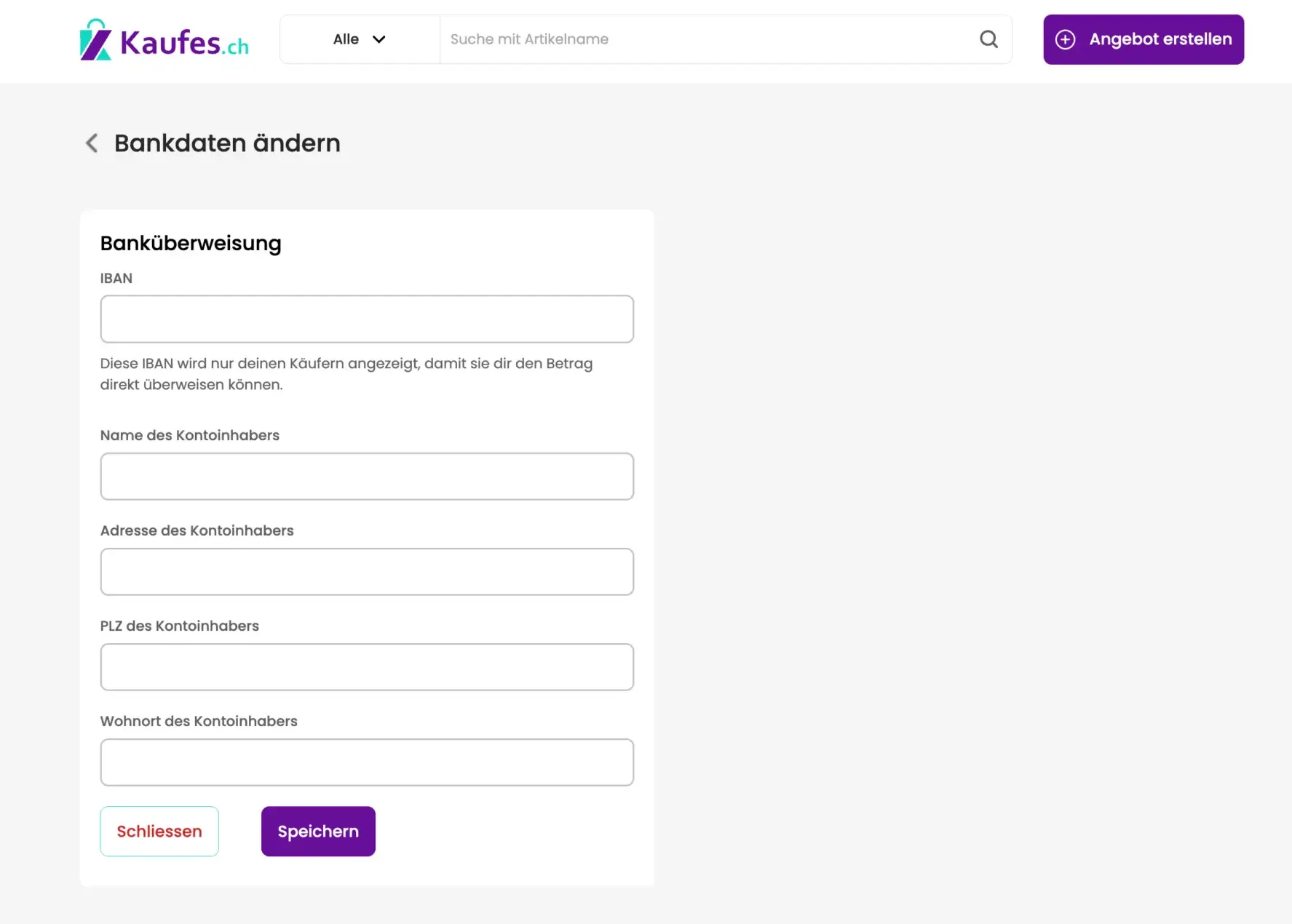
To add or edit your bank details for buyers, click “Add” or “Edit.”
Then enter your IBAN, the account holder’s name, and the address.
Once you have provided all required information, click “Save” to update your details.